1. Export a CSV file from Live Timecode Notes app
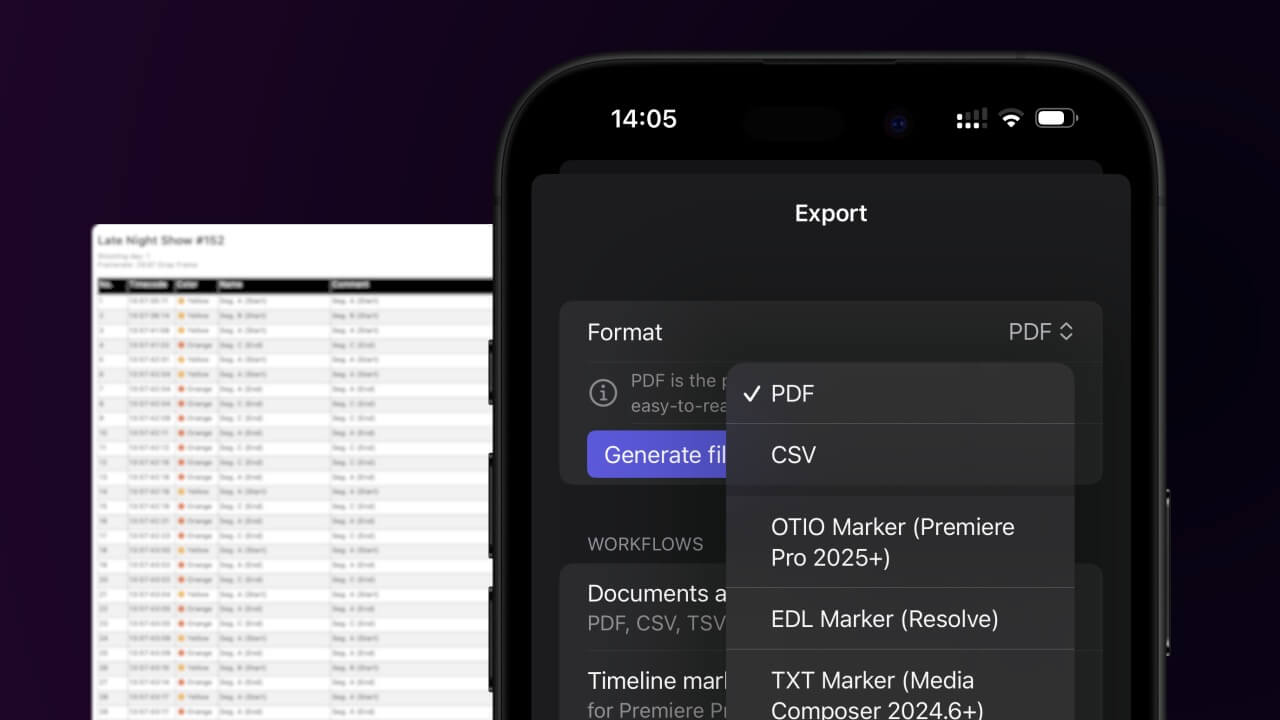
Open the project in the app, then select "Export Notes" from the top menu. Select "CSV". Generate and save the file.
2. Import the CSV file into Numbers
Open Numbers and go to "File -> Open". Simply open the CSV file.

🚀 Končano
To je zaenkrat vse! Če se vam je ta vodnik zdel uporaben, ga delite in nas tako podprite. Če imate predloge, kako bi lahko potek dela izboljšali, nam jih sporočite!